Download Maps Explorer: old maps free on android
APK file Maps Explorer 1.4.2How to install APK / APKS / OBB file on Android
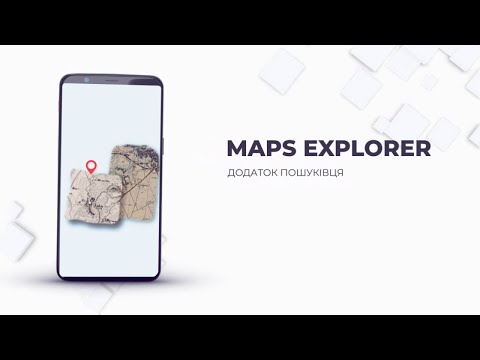

Maps Explorer is an app for exploring historical maps and for anyone interested in the past. It is designed for those who want to touch the history of cities and landscapes, immersing themselves in past eras through maps that have been preserved for centuries.
Often, you may have old historical maps, but when comparing them with modern maps, difficulties arise. Settlements expand or disappear, roads change, and it becomes hard to determine where a village, tavern, or manor once stood. Maps Explorer was created to solve this problem.
The app allows you to georeference any image (map) to a location, meaning you can align the image to a Google Map. You can also work with multiple images, which lets you “stitch” several map fragments together on the same area. After georeferencing, you can adjust the transparency, fine-tune the positions of fragments, quickly switch between them, and identify differences across maps from different time periods.
The app also offers powerful tools for terrain analysis:
• Cross-sectional terrain profile — compare slopes of ravines, hillsides, and other landscape features.
• Sentinel-2 satellite imagery analysis — up-to-date images refresh every 5 days, allowing you to track changes in the Earth’s surface over short periods.
Main features:
• Download old maps with georeferencing
• Georeference historical maps to a modern map
• Analyze Sentinel-2 satellite imagery
• Import/export created maps (.mef files)
• Import/export .kml and .wpt files
• Import/export .sqlitedb files
• Record GPS tracks
• Measure distances and areas
• Cross-sectional terrain profile
• Map search
The app includes a “Help” section with instructions, georeferencing tips, and resources for finding the maps you need. If any difficulties arise, customer support is always available.
- minor improvements;
- LicenseFree
- File nameMaps Explorer
- File Version1.4.2
- Package namecom.sms.maps
- UploadedSeptember 29, 2026

- CategoryMaps & Navigation
- DeveloperMDevs.
- Developer emailmdhelper2021@gmail.com
- Permissionsshow (18)
